bruno@cabado:~$ cat projects/cpp-project-template.md
CPP Project Template
- C++
- Cookiecutter
- Developer Tooling
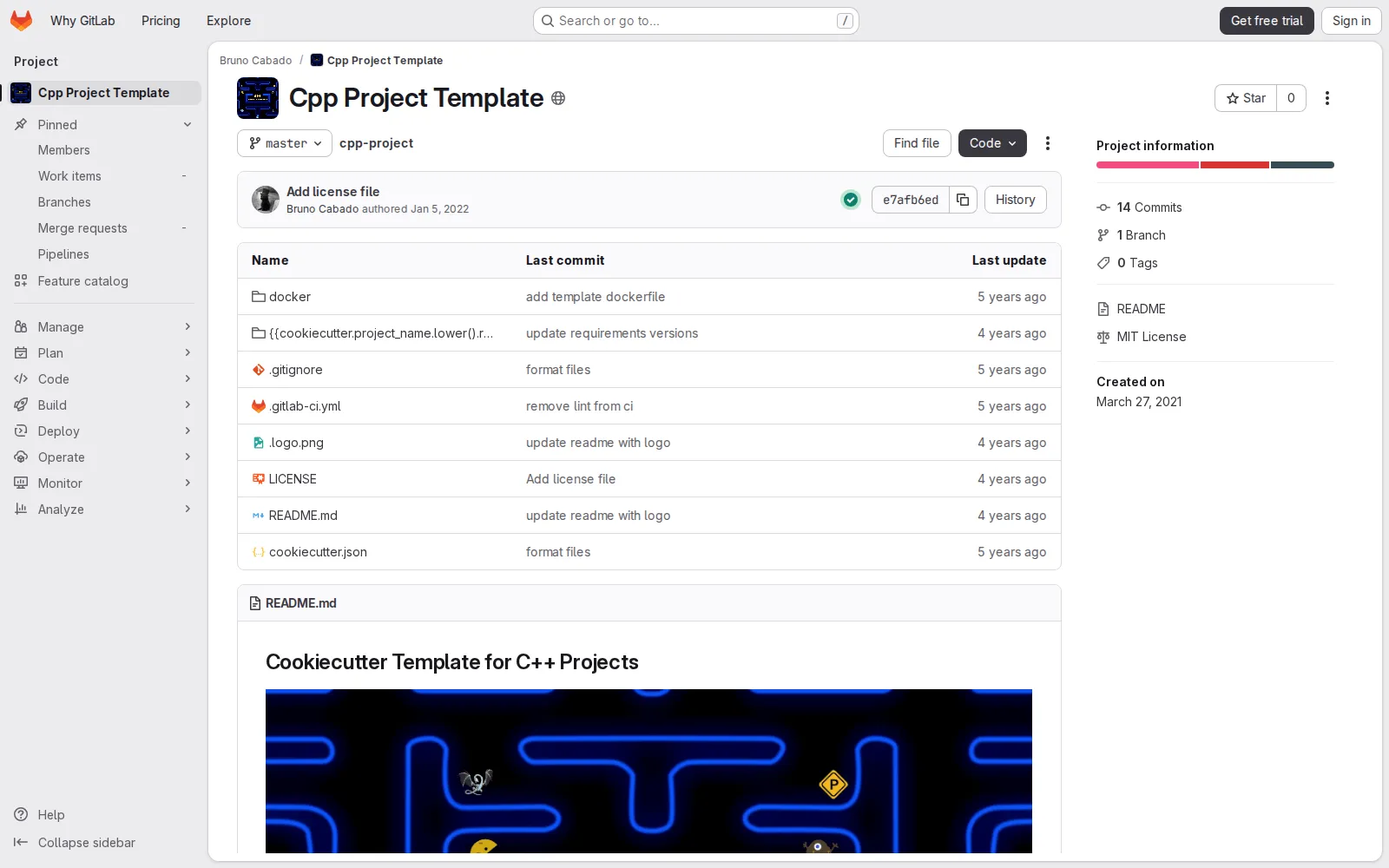
Cookiecutter-based scaffold for starting C++ applications with a consistent repository layout, tooling baseline, and update path.
Context
New C++ applications often begin with repetitive setup work that slows delivery and leads to inconsistent repository quality across teams.
What I built
I created a Cookiecutter template focused on bootstrapping complete C++ projects, not just isolated libraries. The template provides a practical starting point so teams can move directly into feature work with fewer setup decisions.
Technical approach
The template is published as a GitLab repository and intended for use with Cruft, enabling both project creation and controlled updates when the template evolves. It standardizes common structure and tooling conventions so generated repositories share a predictable baseline.
Outcome
CPP Project Template turns initial project setup into a repeatable workflow. Teams can start faster, onboard contributors more smoothly, and maintain consistent engineering standards across multiple C++ application repositories.
## Project gallery
bruno@cabado:~$ mail hi@brunocabado.com# I share work, research and product experiments in AI systems
$ send-message$ wget cv.pdf$ open linkedin$ open github
© 2026 Bruno Cabado · designed & developed in Galicia with Astro