bruno@cabado:~$ cat projects/cpp-library-template.md
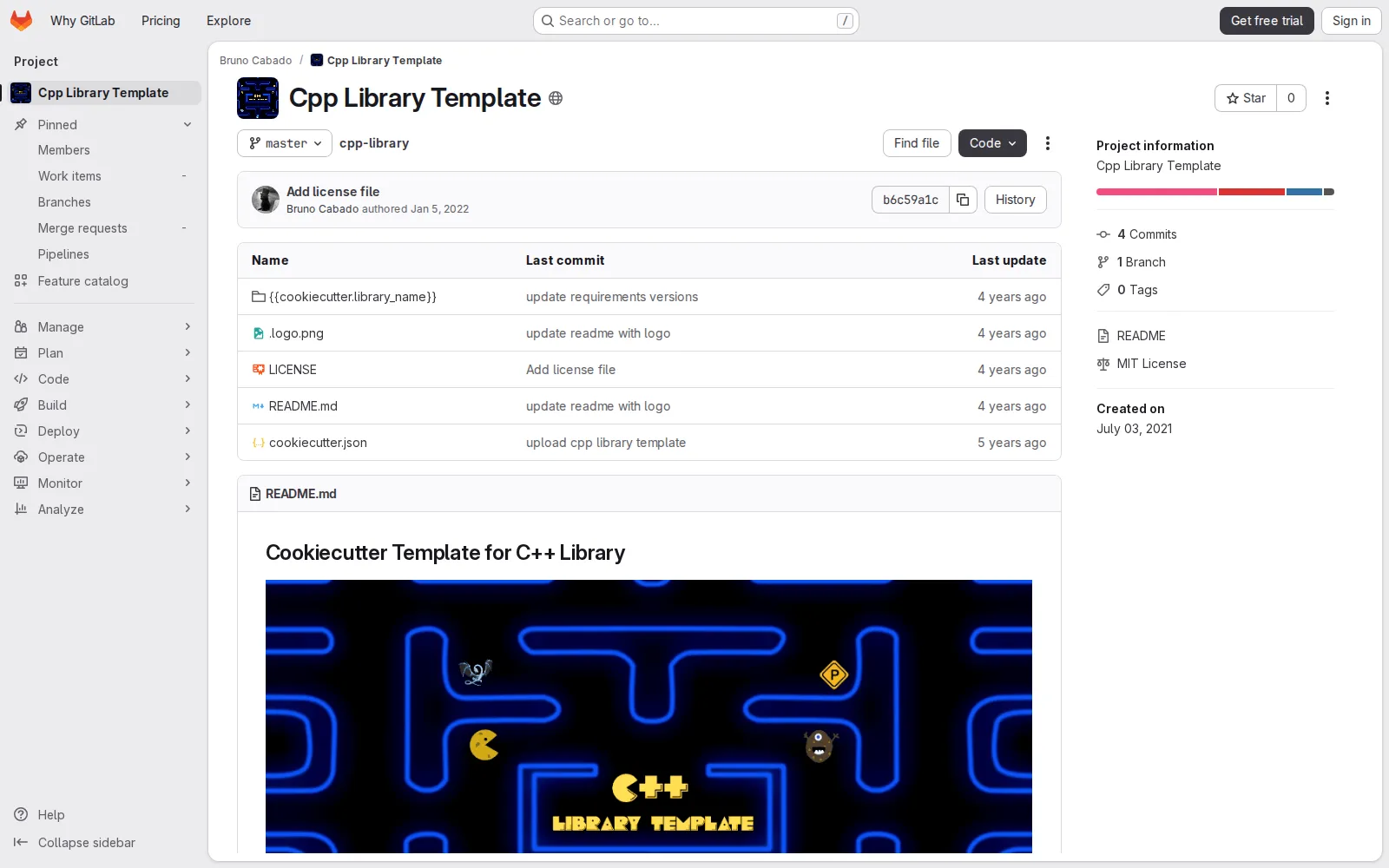
CPP Library Template
- C++
- Cookiecutter
- Developer Tooling
Cookiecutter-based template for bootstrapping production-ready C++ libraries with a repeatable project structure and update workflow.
Context
Starting a new C++ library often means repeating the same setup work: folder layout, build configuration, and repository conventions. This slows down delivery and creates inconsistency between projects.
What I built
I built a reusable template for C++ libraries using Cookiecutter, with a structure aimed at quick bootstrapping and long-term maintainability. The template is designed so developers can generate new repositories with a predictable baseline instead of recreating scaffolding each time.
Technical approach
The project is distributed as a template repository and integrated with Cruft for lifecycle management. That means teams can both create a new library from the template and later pull template improvements into existing projects. This approach balances speed at project start with controlled evolution over time.
Outcome
CPP Library Template turns setup effort into a repeatable workflow. Developers can begin implementation faster, while teams benefit from consistent project organization and easier maintenance across multiple C++ library codebases.
## Project gallery
bruno@cabado:~$ mail hi@brunocabado.com# I share work, research and product experiments in AI systems
$ send-message$ wget cv.pdf$ open linkedin$ open github
© 2026 Bruno Cabado · designed & developed in Galicia with Astro