bruno@cabado:~$ cat projects/c-c-extension-pack.md
C/C++ Extension Pack
- C/C++
- Developer Tooling
- Visual Studio Code
VS Code extension pack that bundles core C/C++ tooling to speed up environment setup, improve code quality, and streamline day-to-day development.
Context
Setting up a productive C/C++ environment in VS Code usually means installing and validating many extensions manually. That process is repetitive, error-prone, and inconsistent across machines or collaborators.
What I built
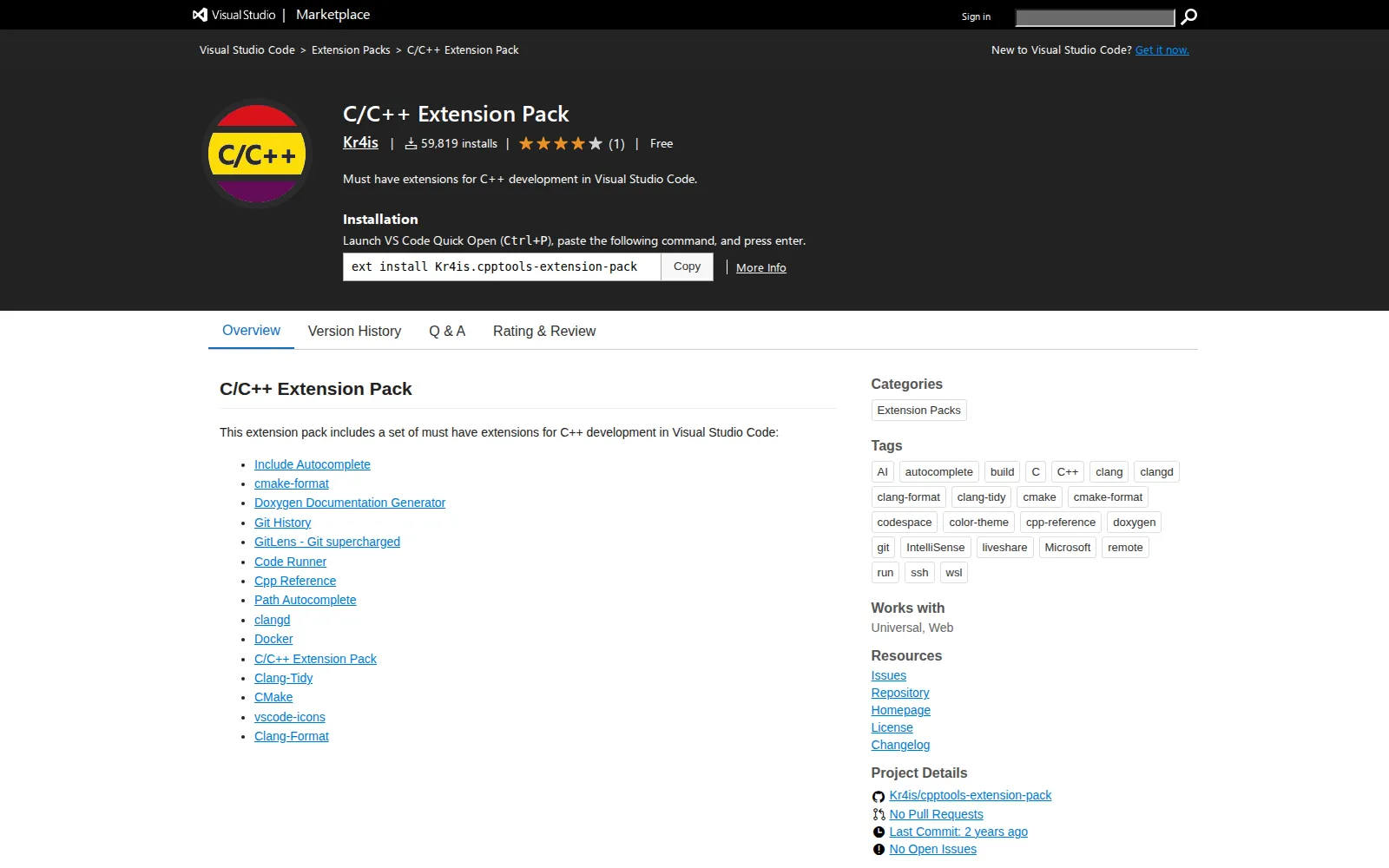
I created a curated VS Code extension pack that groups the essential tools for C/C++ workflows in a single install. The pack includes language tooling, formatting, linting, build support, documentation helpers, and repository productivity extensions.
Technical approach
The project is maintained as a Marketplace extension-pack manifest, with deliberate selection of complementary dependencies such as clangd, Clang-Format, Clang-Tidy, CMake, and Git productivity integrations. The goal is pragmatic interoperability: better editor intelligence, cleaner formatting defaults, stronger code checks, and smoother project navigation without requiring users to assemble the stack manually.
Outcome
The extension pack provides a faster onboarding path for C/C++ developers and more consistent local setups for teams. Instead of spending time configuring tooling, developers can install once and start building with a reliable baseline immediately.
## Project gallery
bruno@cabado:~$ mail hi@brunocabado.com# I share work, research and product experiments in AI systems
$ send-message$ wget cv.pdf$ open linkedin$ open github
© 2026 Bruno Cabado · designed & developed in Galicia with Astro