bruno@cabado:~$ cat projects/alexandria.md
Alexandria
- Flask
- API Integration
- Personal Productivity
A private digital library app for tracking reading progress, enriching book metadata from Google Books, and exploring long-term reading analytics.
Context
Most reading trackers are either too generic or overloaded with social mechanics. Alexandria was designed as a personal, private system focused on consistency: add books quickly, keep progress clean, and extract useful signals from reading history.
What I built
Alexandria includes:
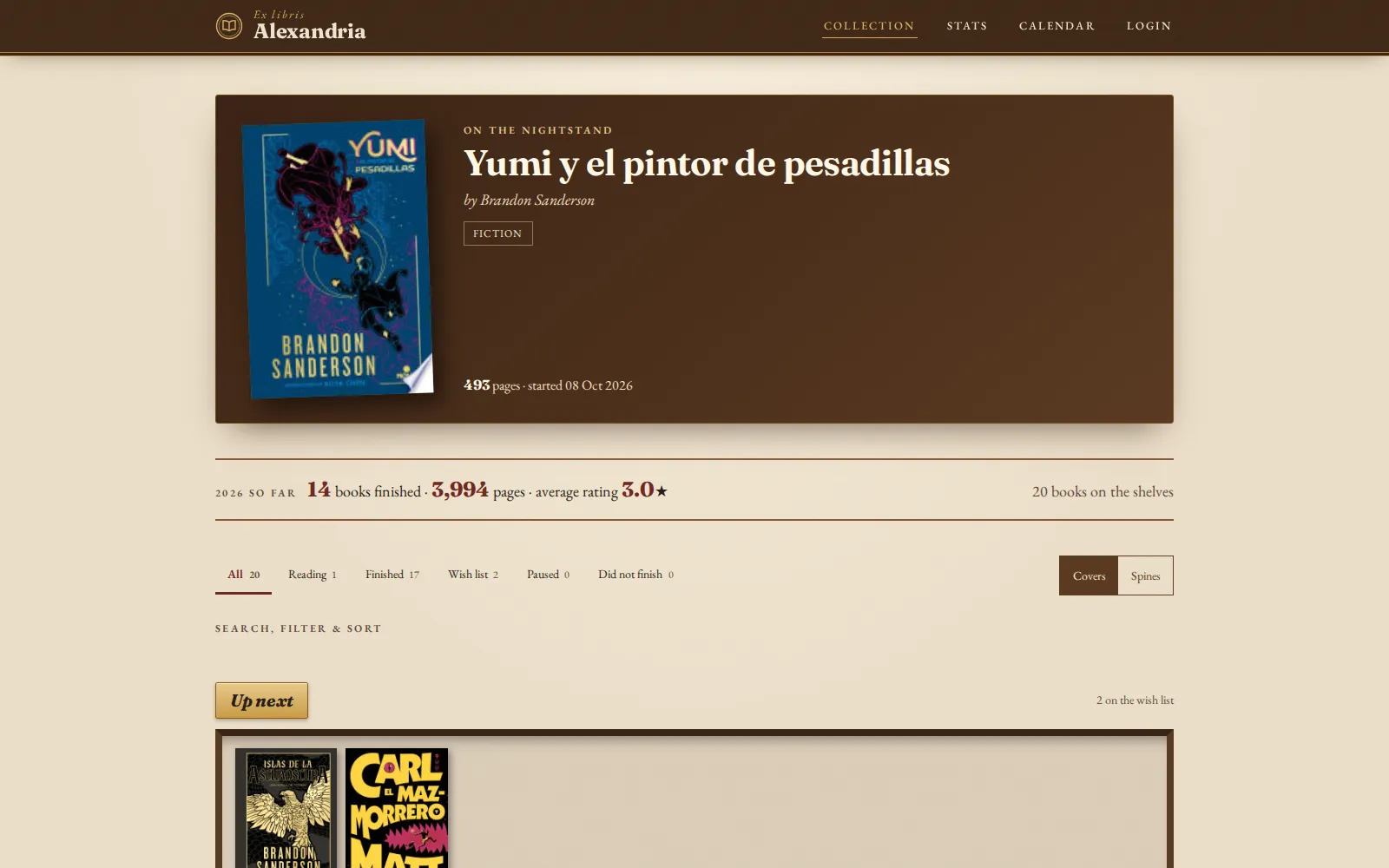
- A dashboard split between currently reading and finished books
- Search and add flows connected to the Google Books API
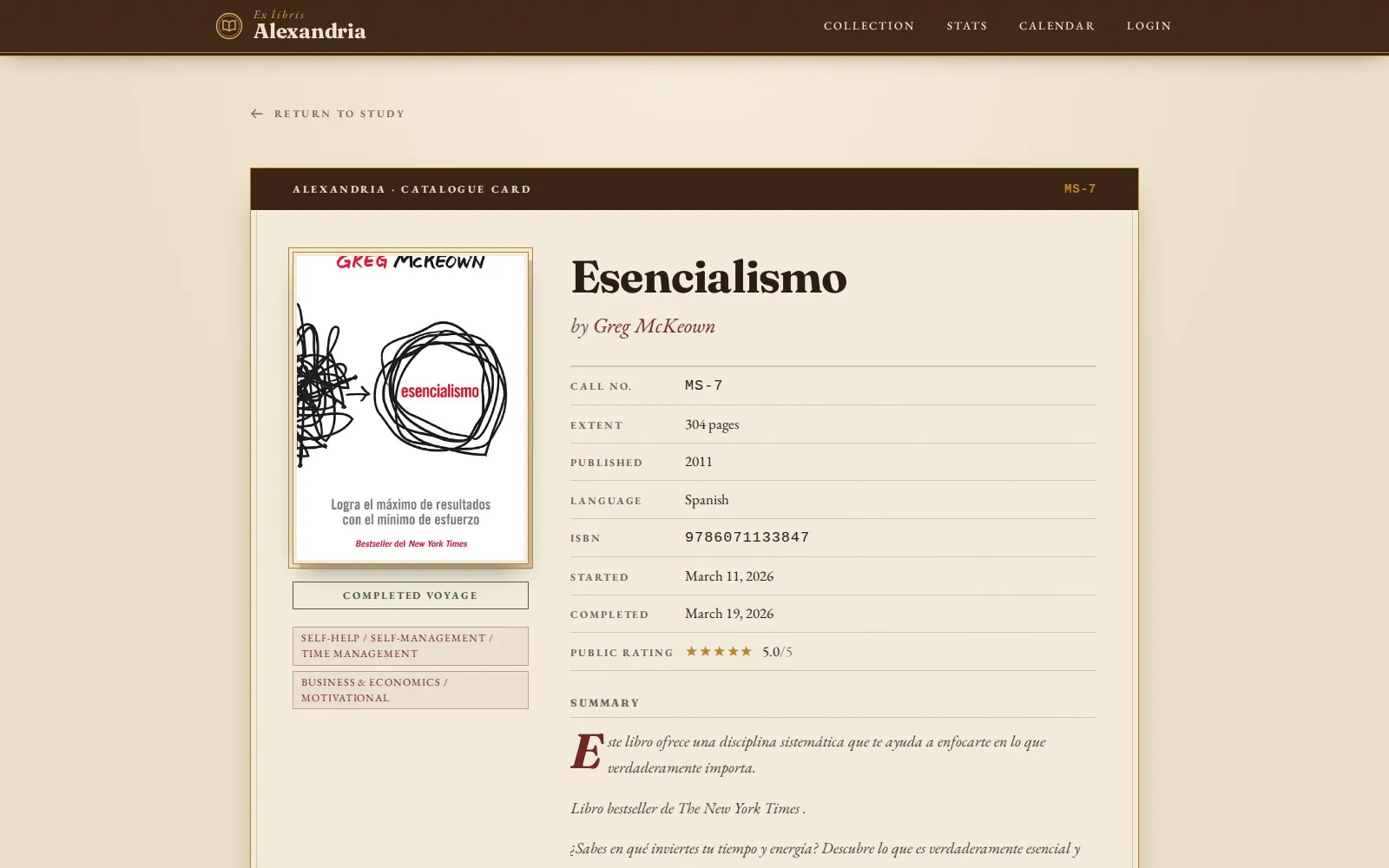
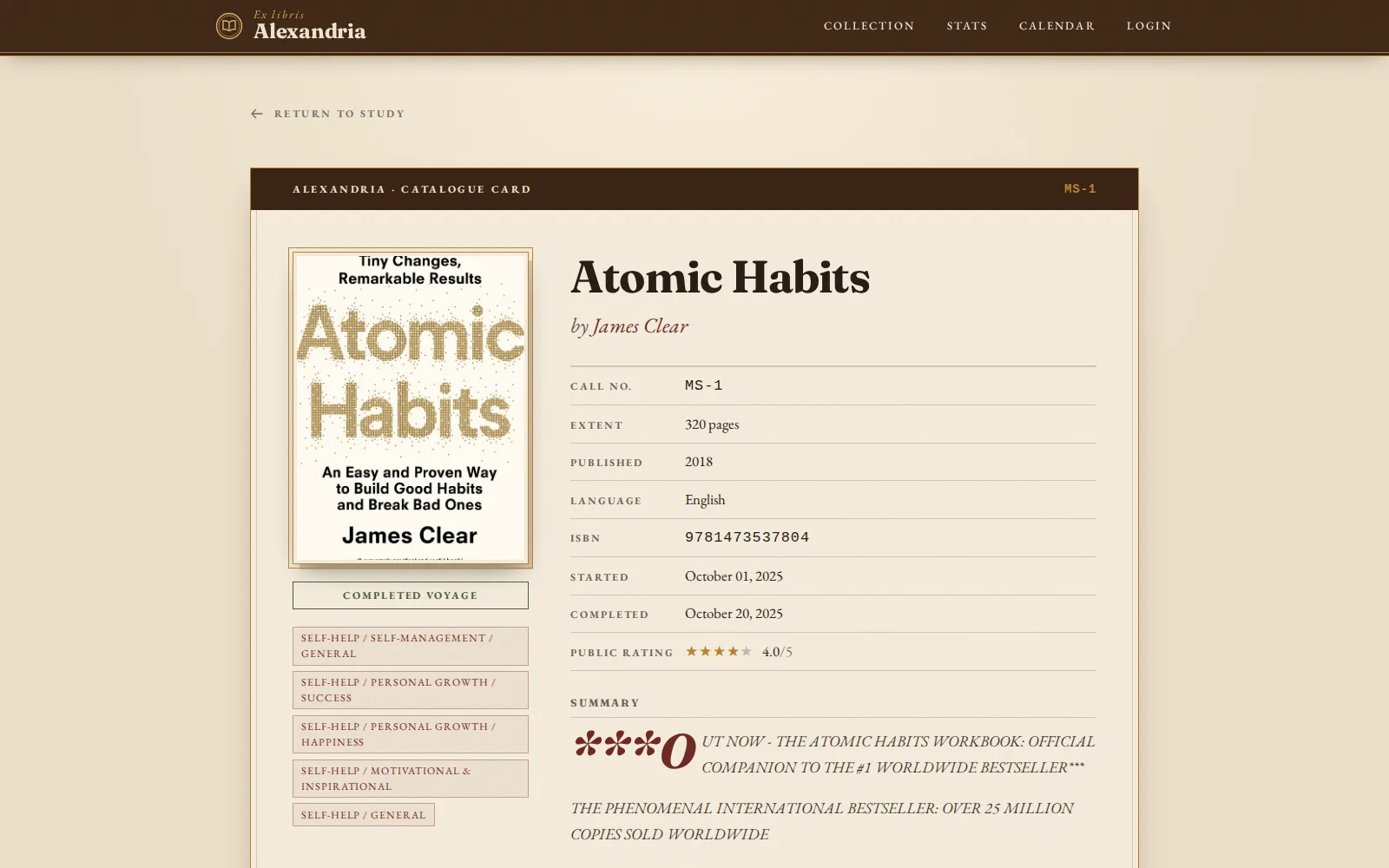
- Detailed book records with enriched metadata (authors, categories, page count, rating, language)
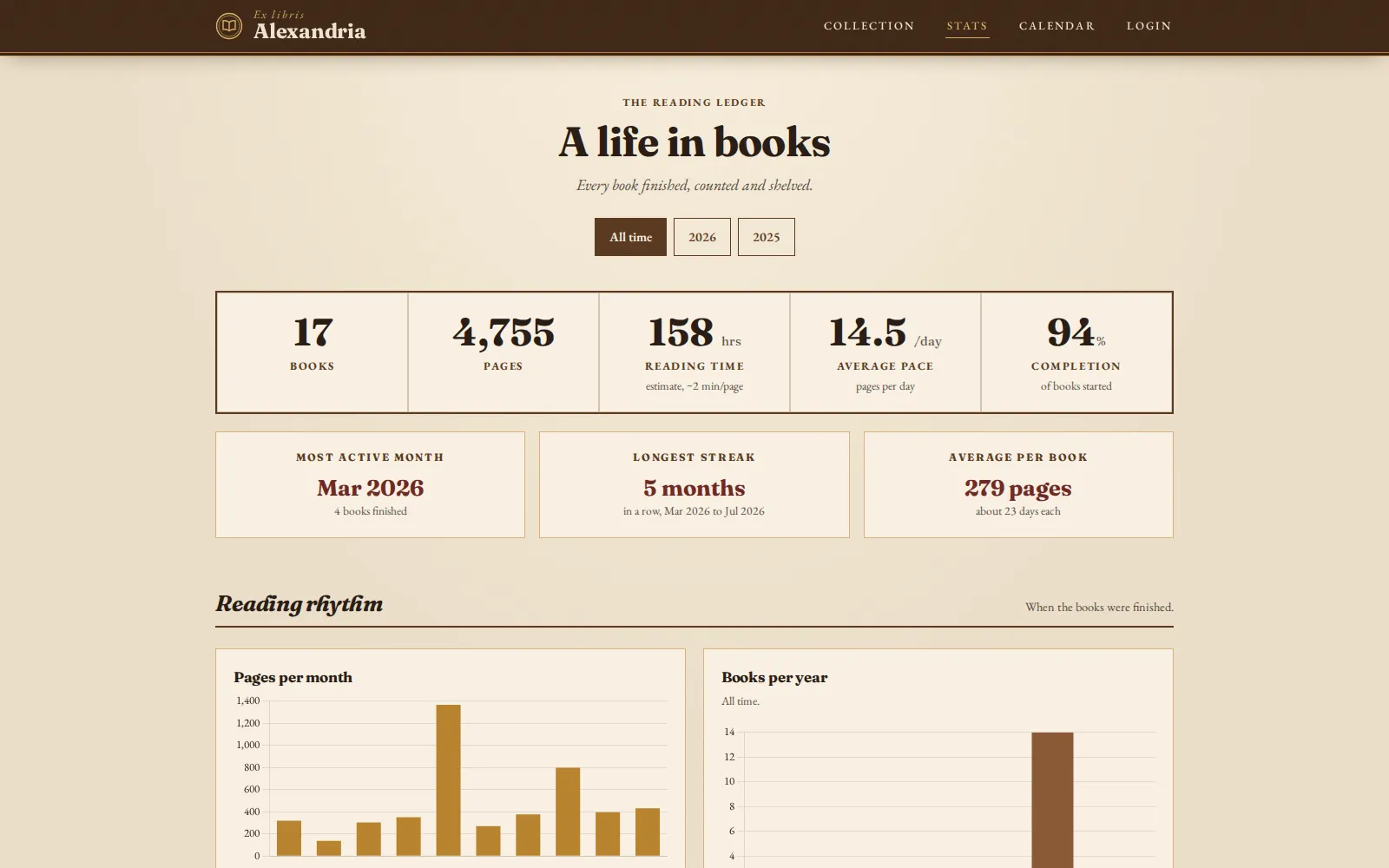
- A dedicated stats view for reading velocity, volume trends, categories, and long-range habits
- A private librarian login for controlled access to search/edit/delete operations
Technical approach
I implemented Alexandria with Flask, Flask-Login, and SQLAlchemy on top of a SQLite data store, keeping the architecture lightweight and maintainable for solo usage. Book ingestion is API-driven (Google Books via request-based adapters), while template-driven UI views expose both operational flows (search/add/edit) and analytical outputs (stats and trend aggregates). The app is containerized for predictable local and deployment environments.
Outcome
Alexandria evolved into a full private reading companion rather than a simple list app. It balances elegant UX with practical depth: low-friction cataloging, clear reading progress, and meaningful analytics that make long-term reading habits easier to understand and sustain.
## Project gallery
bruno@cabado:~$ mail hi@brunocabado.com# I share work, research and product experiments in AI systems
$ send-message$ wget cv.pdf$ open linkedin$ open github
© 2026 Bruno Cabado · designed & developed in Galicia with Astro