bruno@cabado:~$ cat projects/albricias.md
Albricias
- Flask
- Product Design
- Full Stack
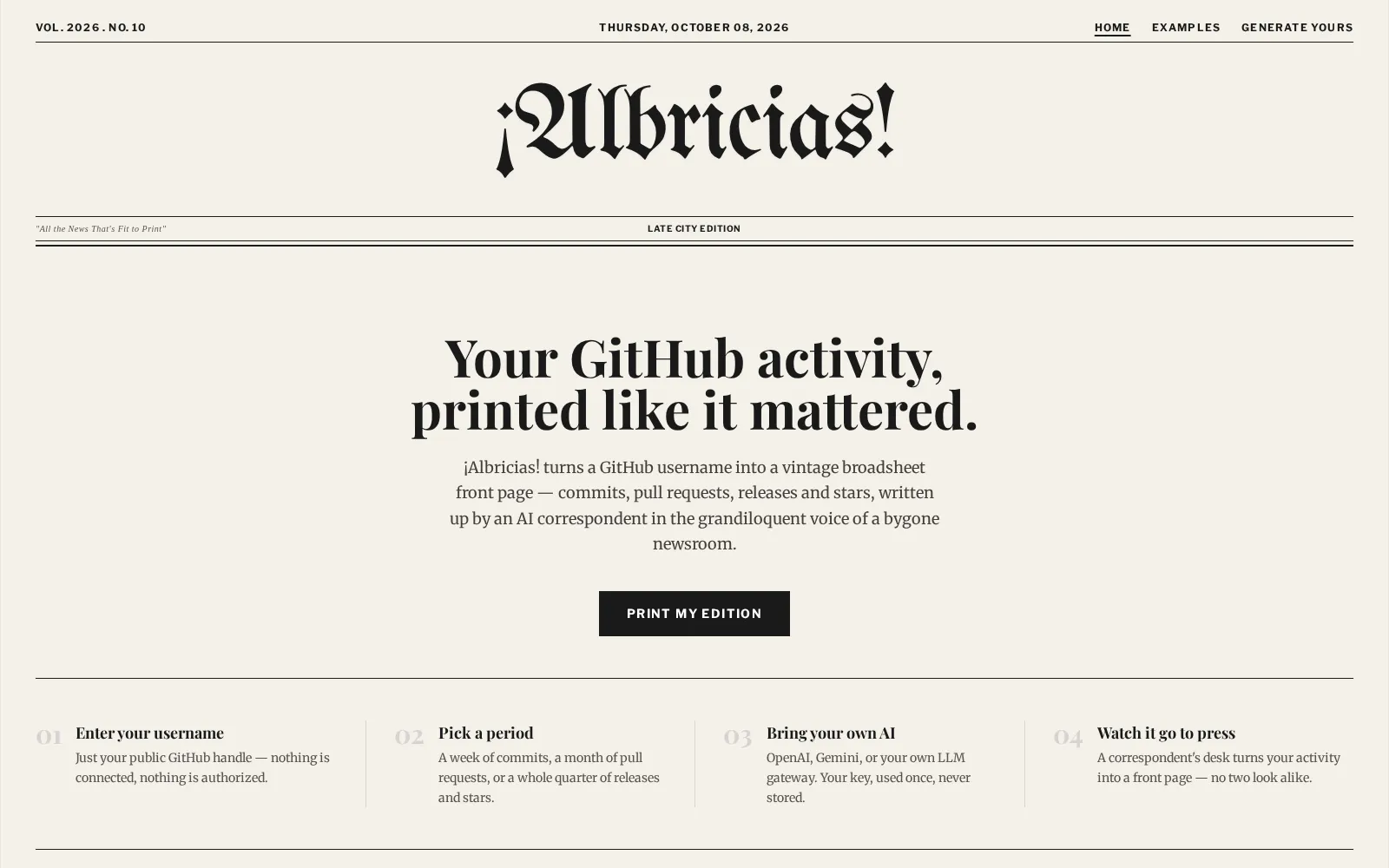
A vintage broadsheet-style publishing app that turns markdown content into weekly issues and a browsable digital newspaper archive.
Context
Most digital archives are functional but visually generic. Albricias was designed to recreate the feeling of reading a weekly broadsheet while keeping navigation practical for modern web users.
What I built
Albricias provides:
- A Current Issue front page with newspaper-like hierarchy and typography
- A content pipeline where markdown articles are loaded into a structured issue model
- Two archive modes: browse by issues or by articles
- Issue and article detail routes with clear editorial navigation
- A private composition/admin flow to publish new pieces into the feed
Technical approach
I implemented Albricias with Flask, SQLAlchemy, and a file-first content workflow. Article markdown files with frontmatter are parsed and synchronized into a SQLite-backed data model, then rendered through template variants that rotate per issue week. The app is containerized and served with Gunicorn for reproducible deployment and stable runtime behavior.
Outcome
Albricias turns a standard CMS-like experience into a differentiated reading product with clear personality. It combines editorial UX with maintainable publishing mechanics, making it easy to keep shipping new issues without losing consistency.
## Project gallery
bruno@cabado:~$ mail hi@brunocabado.com# I share work, research and product experiments in AI systems
$ send-message$ wget cv.pdf$ open linkedin$ open github
© 2026 Bruno Cabado · designed & developed in Galicia with Astro